We’re pleased to announce that, following our server upgrade, you can now set up autoresponders for your email account.
When logged into your Webmail portal, click the “Webmail Home” icon in the left-hand menu.

On the page that opens, you’ll see several options. To set up an autoresponder, simply click “Autoresponders” under the Manage Your Inbox section.
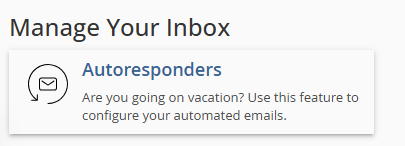
On the next page that opens, to add a new autoresponder, click “Add Autoresponder.” This will take you to the following page:
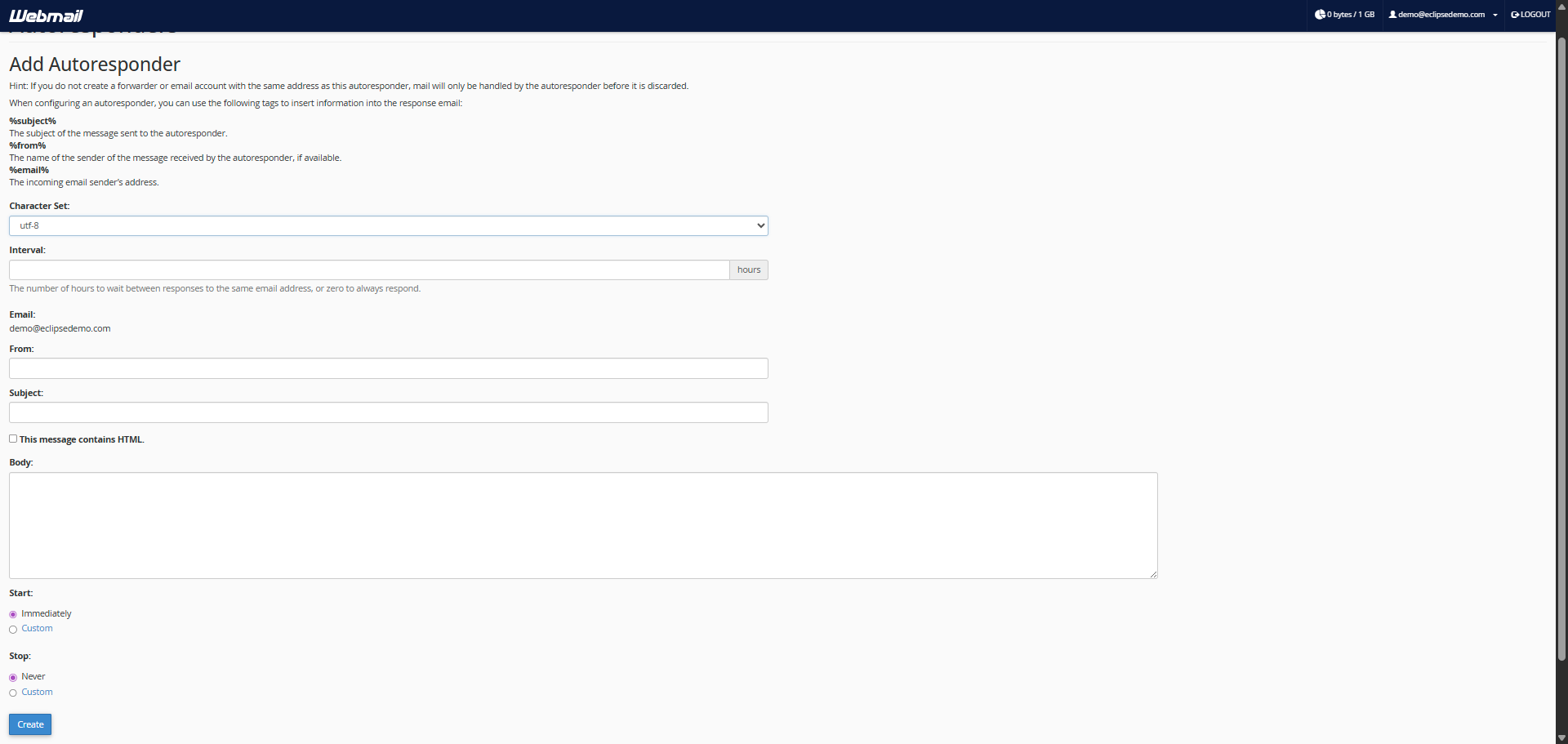
You will be asked to provide some information — simply fill it out however you wish, based on how you want your autoresponder to work, then click "Create".
To delete or edit an autoresponder, make sure you are on the “Autoresponders” settings page. Locate the email address you want to update, then click “Edit” to change the information, or “Delete” to remove the autoresponder completely.