Depending on whether it’s your first time using the new Webmail portal, you may be asked to accept some details or confirm basic preferences. This is a simple, one-time process.
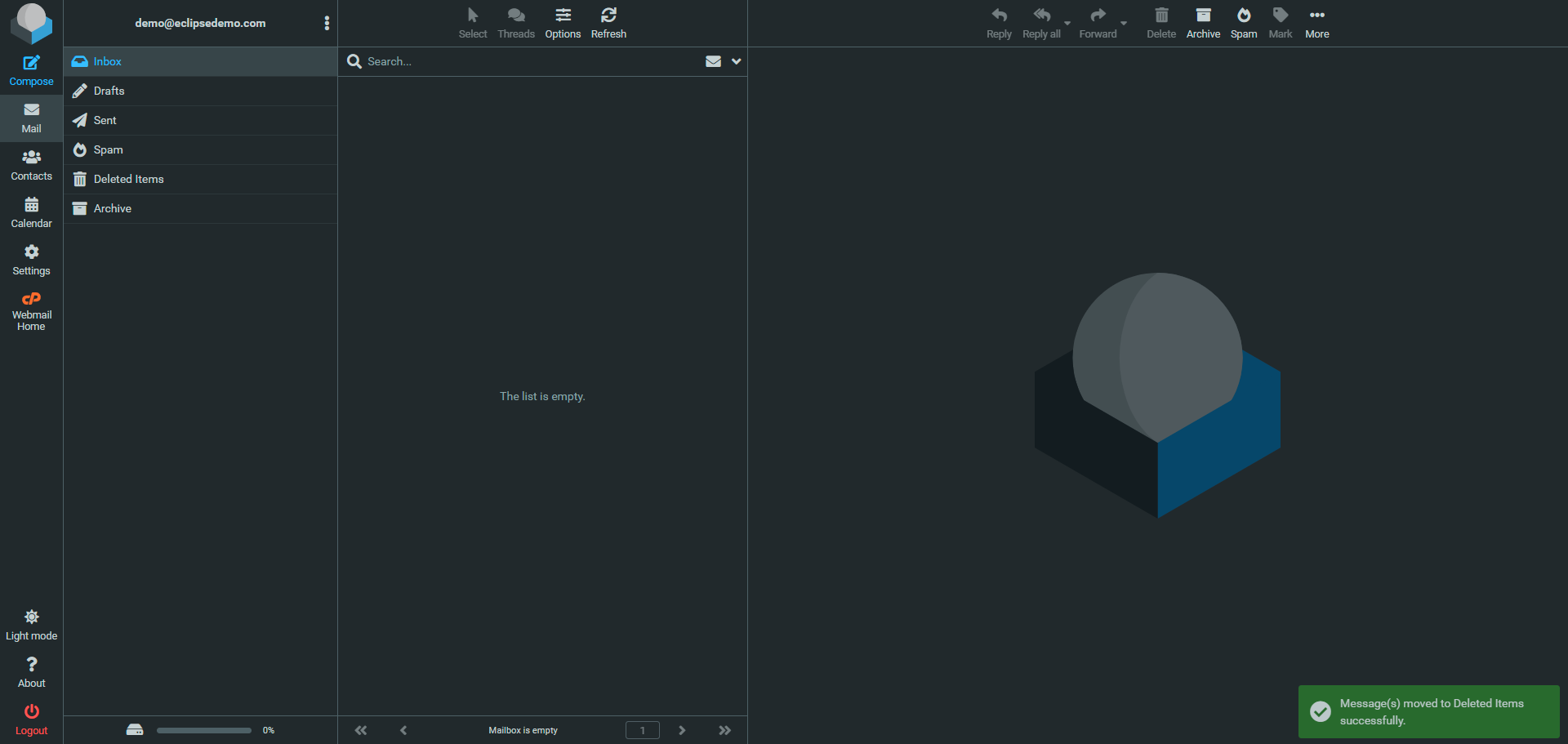
Once logged in, you will either be taken directly to your mailbox, which may look similar to the example below:
Or you may be taken to a management page where you can access additional features related to your email account. From this page, simply click “Open” to enter your mailbox.
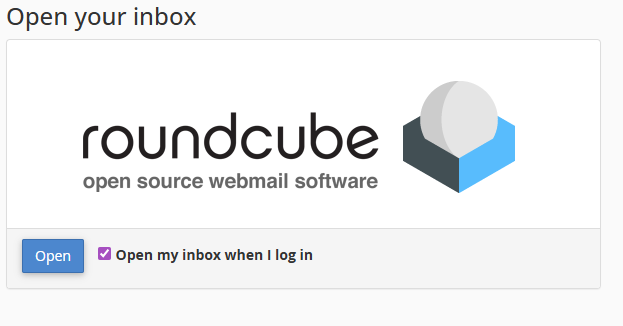
If you prefer to skip this page in the future, you can tick the option “Open my inbox when I log in” to go straight to your emails next time.