We’re assuming you’re already logged in to your Eclipse1 Portal.
Click the “Switch Account” button and select the domain you want to manage.
-
If you have one domain, only that domain will be shown.
-
If you have multiple domains, you’ll see a list to choose from.
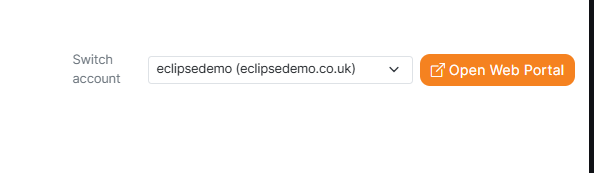
Once the portal has reloaded for the selected account, click “Open Web Portal” to continue.