-
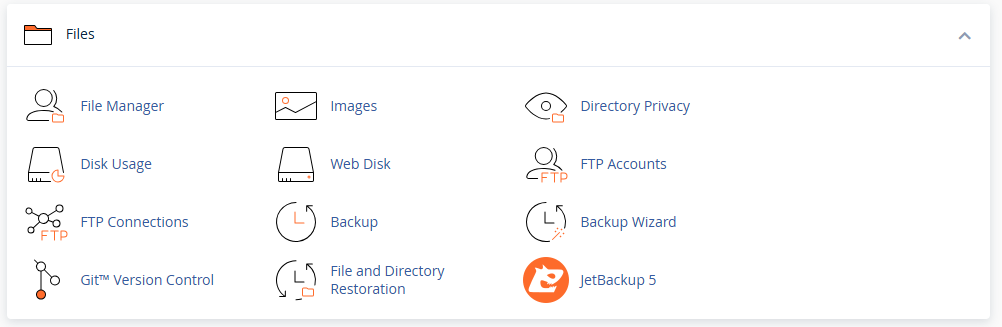
Go to File Manager
-
Open the public_html directory (web root)
-
Upload files using the Upload button
-
To edit files, right-click → Edit
-
Use Compress/Extract to manage ZIP archives
Changes appear instantly on your website.
Go to File Manager
Open the public_html directory (web root)
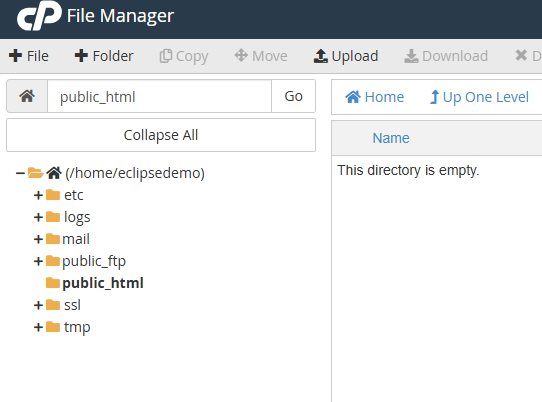
Upload files using the Upload button
To edit files, right-click → Edit
Use Compress/Extract to manage ZIP archives
Changes appear instantly on your website.