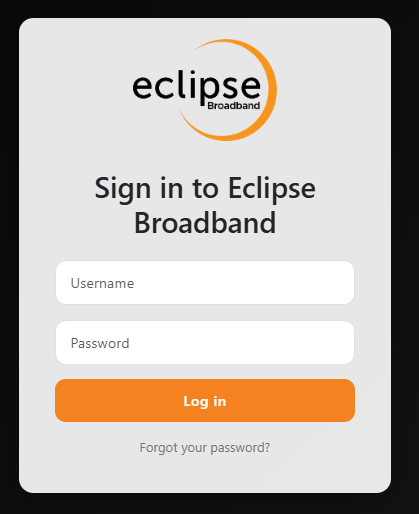
To log in to the Eclipse1 Portal, please visit:
Sign in using your username. This will be either:
-
Your email address, or
-
Your account number, which usually begins with “EB”.
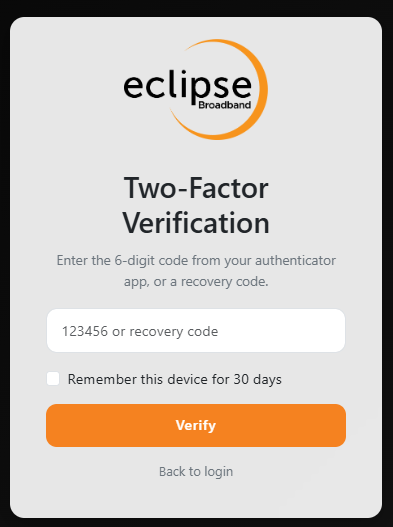
If you have not yet set up two-factor authentication (2FA), you will be prompted to do so. You may choose to skip this step if you prefer.
-
If 2FA is not set up, you will be guided through the setup process.
-
If 2FA is already enabled, you will be asked to enter your authentication code to continue.