If your website shows similar to the below, please go through the following steps 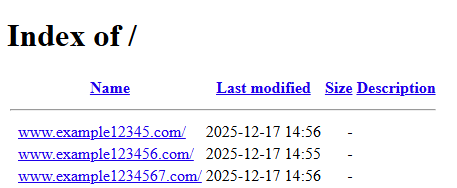
1. Login to you https://my.eclipse1.co.uk portal for help click here
2. In the top right hand corner click Open Web Portal in orange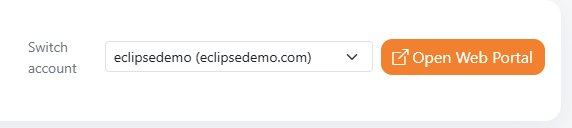
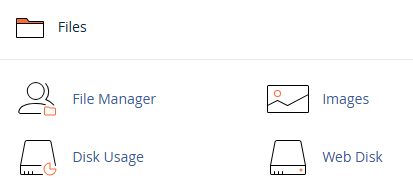
3. Now scroll down to the Files section and select File Manager
4. Next double click just to the right of public_html

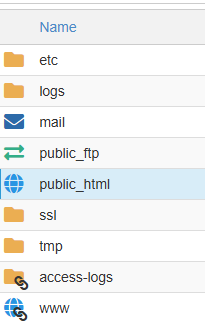
5.  Then double click just to right of your main website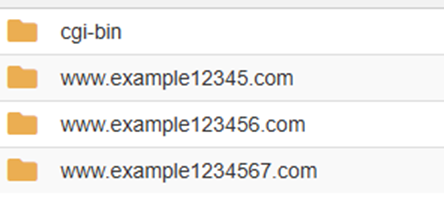
6.  Now click Select All
7.  Next click Move

8. After that change the text to show only /public_html/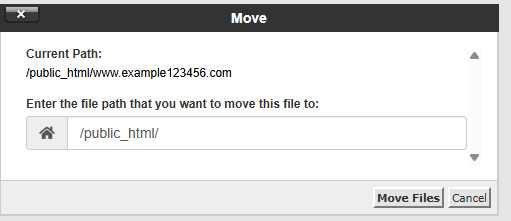
9. Next click Move
Your website should now be restored.