-
Log in to the Eclipse Web Portal
-
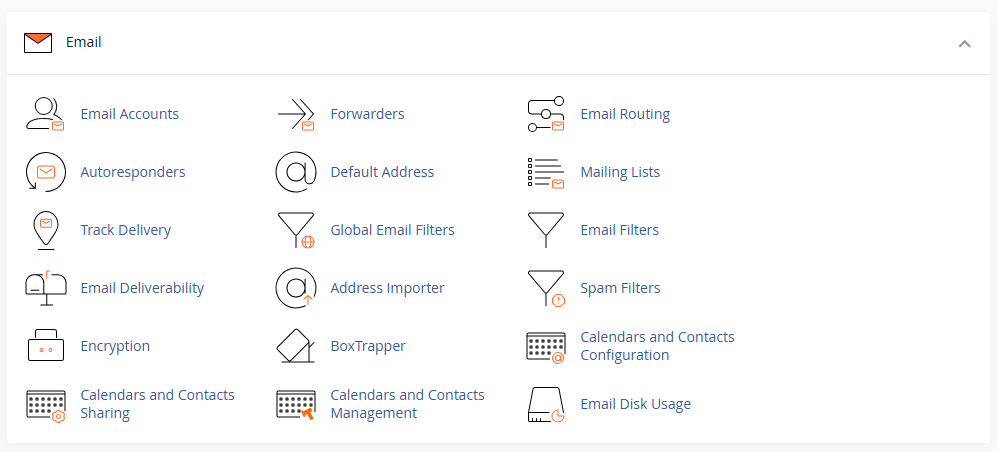
Go to Email Accounts
-
Click Create
-
Enter the new email address and password
-
Set a storage quota (or leave default)
-
Click Create
Account is now ready to use in Eclipse Webmail or on devices.
Log in to the Eclipse Web Portal
Go to Email Accounts
Click Create
Enter the new email address and password
Set a storage quota (or leave default)
Click Create
Account is now ready to use in Eclipse Webmail or on devices.