To add a new contact, select Contacts on the left side of the screen.
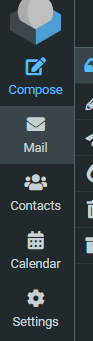
You’ll then see this screen, and to create a group of contacts, use the three-dot button at the top of the Groups column.
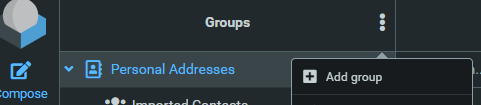
Once you’ve created a new group, you can either rename or delete the group by clicking the three-dot button at the top of the Groups column.