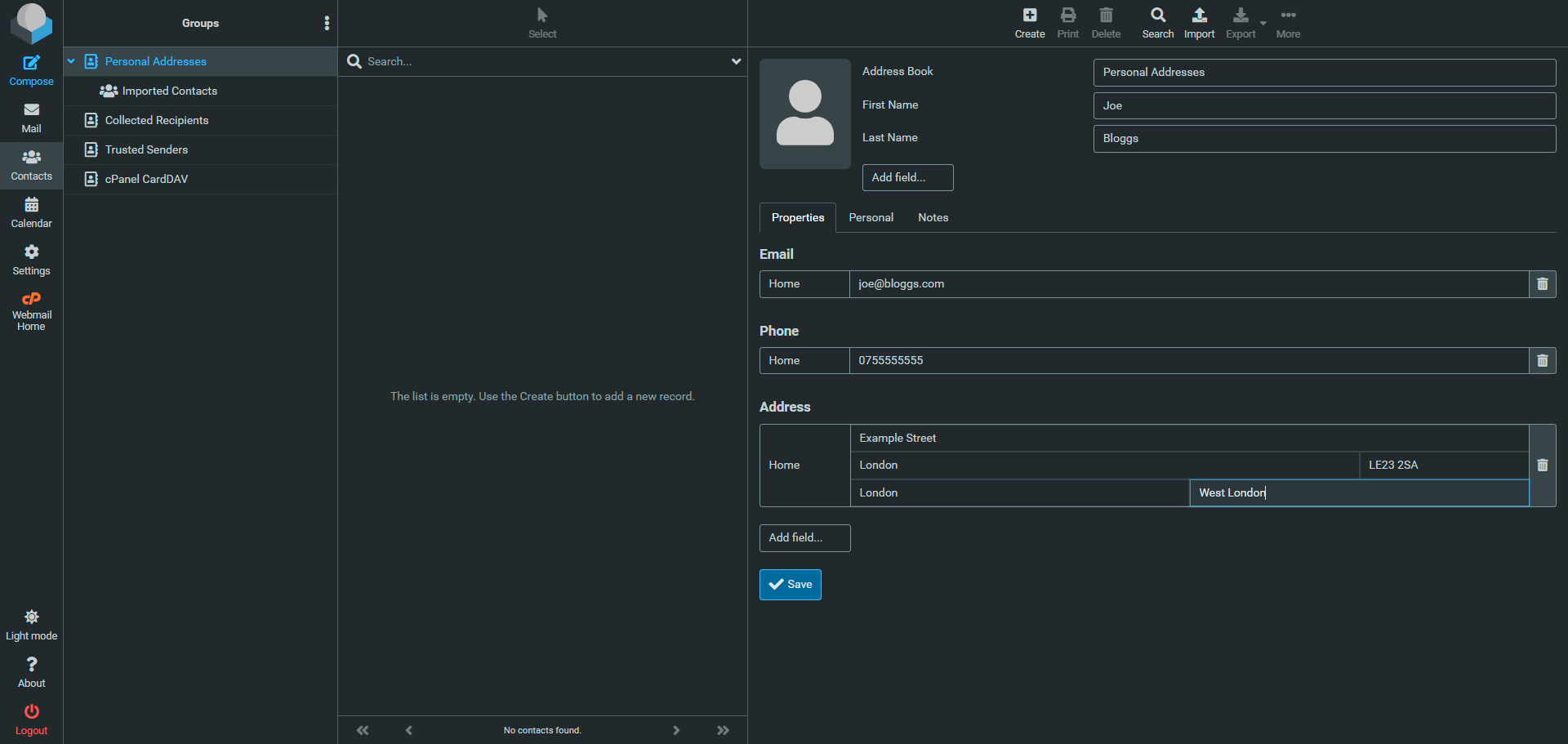
To add a new contact, select Contacts in the left side of the screen.
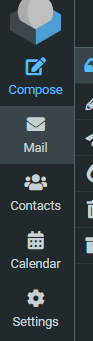
You will then see the Contacts page, where you can create a new individual contact. Click the button at the right of the Personal Address column called "Create" add a new entry.
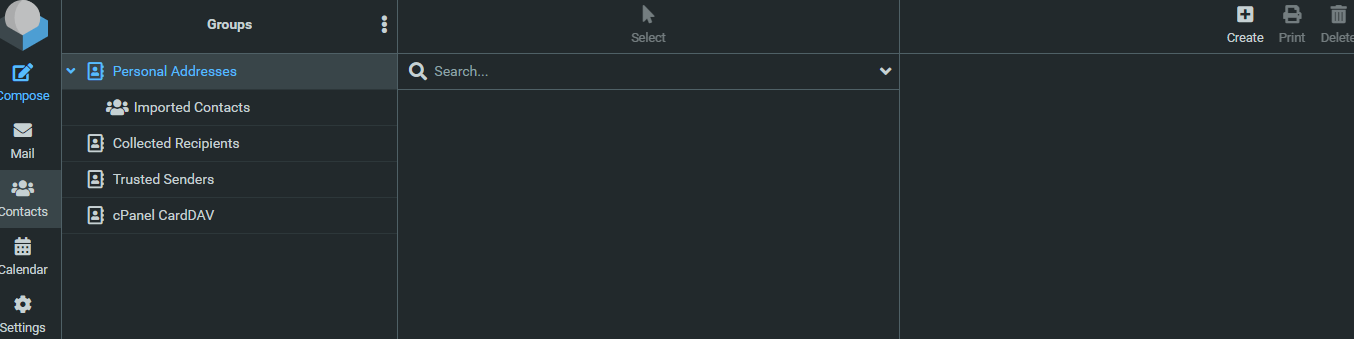
From here, you can fill in all the details for your contact. Additional fields can be added by clicking the drop-down menus shown below.